Can SpectrumVoIP Phones work in a static network environment?

Written by Jeffrey Edwards
Updated at August 4th, 2023
Table of Contents
Yes, SpectrumVoIP phones work with static IPs as well as DHCP on the local network.
A SpectrumVoIP tech can apply an override to the phones to tell the phone to connect to a specific local IP address.
network.internet_port.type="2"
network.internet_port.ip="192.168.254.123"
network.internet_port.mask="255.255.255.0"
network.internet_port.gateway="192.168.254.1"
network.primary_dns="192.168.254.1"
network.secondary_dns="8.8.8.8"
network.static_dns_enable="1"
*Required information*
If there is not a SpectrumVoIP Mikrotik router on site, Support will need to know all the highlighted information above regarding the phones' local network connection.
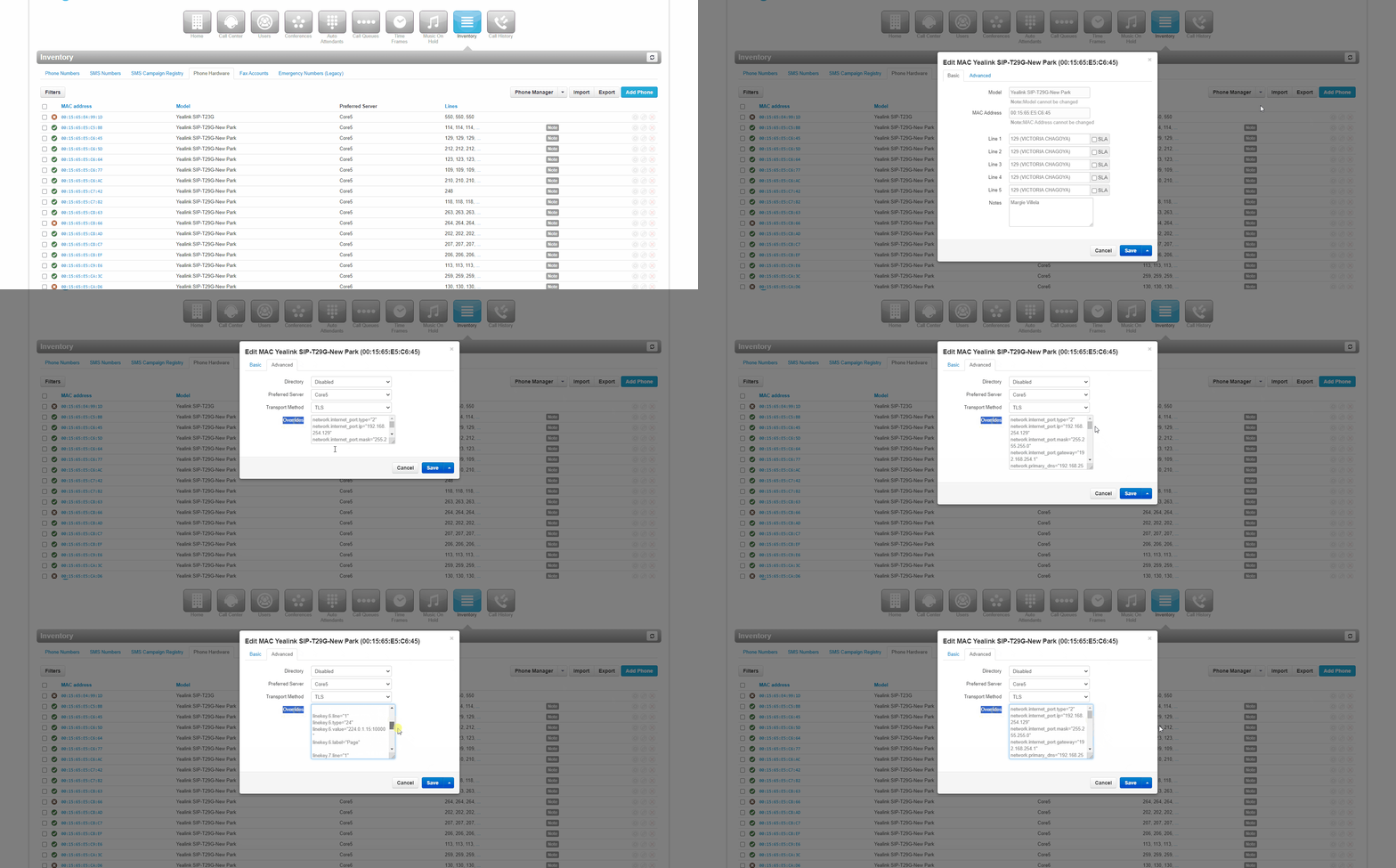
Office Manager scope users can view/apply these overrides at “Inventory” → “Phone Hardware”. Selecting the “edit” pencil and then navigating to the “Overrides” tab on the phone will reveal its Overrides.
Other similar solutions are available if a SpectrumVoIP managed Mikrotik router is on site. Local IT can also static the phones using their own DHCP server. Feel free to contact Support if you need more assistance converting your phones to a static network or if you'd like 1 of our techs to apply the static overrides to your phones. Email support@spectrumvoip.com or dial H-E-L-P from any SpectrumVoIP phone to contact Support.